
Loyalty tiers
A tier sets how many points a customer earns per transaction and when points expire. For example: Silver, Gold, Platinum.
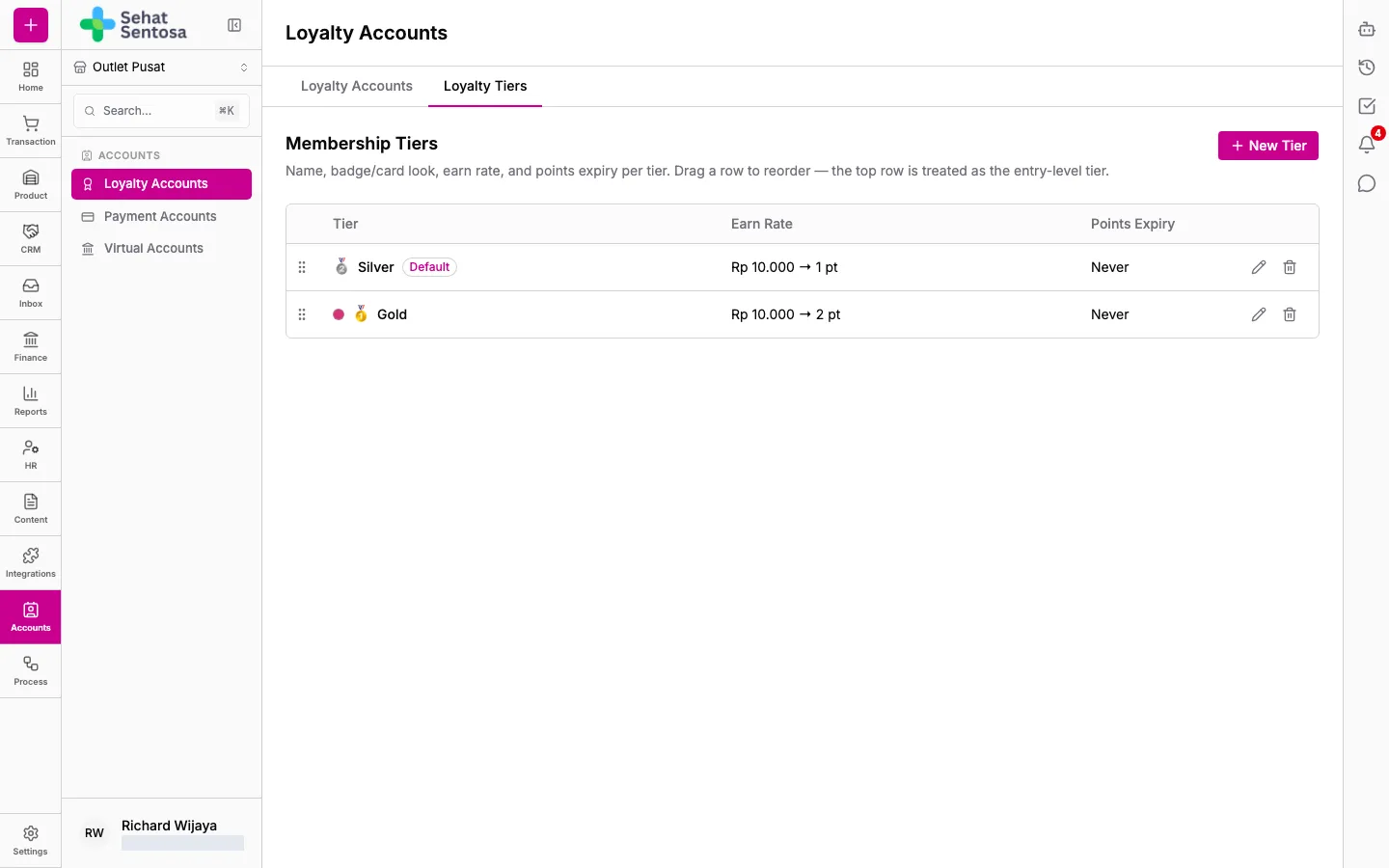
Open Accounts → Loyalty Accounts, then the Loyalty Tiers tab. The Membership Tiers section lists every tier.
Create a tier
Section titled “Create a tier”- Click New Tier.
- Enter a Name, such as “Gold”.
- Optionally set the card look: Badge (emoji/icon), Card Color, Badge Image and Card Background Image.
- Under Earn Rate, pick a Rule:
- For each X spent, get Y points: fill in Spend (Rp) and Points Earned. For example, 1 point per Rp10,000.
- Flat percentage of amount spent: fill in Percentage (%).
- Optionally set limits: Min. Transaction (Rp) and Max Points / Transaction.
- Fill in Points Expire After (months). Leave it empty if points never expire.
- Tick Active. Tick Default tier for new accounts if new accounts should start on this tier.
- Save.
Reorder tiers
Section titled “Reorder tiers”Drag a row to reorder the tiers. The top row is treated as the entry-level tier.